Online Fundraising Software for Nonprofits
Give donors a giving page that looks like your organization, works beautifully on a phone, and sends every gift straight to your CRM, your books, and your donor's inbox.
No exporting, no re-keying, and no spreadsheet that was only supposed to be temporary.

Giving pages that look as good as your mission
Choose from three designs, each built around your organization's color, logo, and photos. Inspire your donors to support your mission with pages that feel uniquely you.
Maui · Campaign page
Your story on the left, the gift form on the right, and the form stays in view as donors scroll. It's the layout donors already know from the big giving platforms, so nobody has to figure anything out.
Best for: Most campaigns. Every new page starts here.
- Gift form stays in view while donors read
- Step-by-step checkout: gift, details, payment
- Your color on the header, buttons, and selections
Try it in your color:
Put your giving page right on your website
Donors are more comfortable giving on a site they already trust: yours. Use the page MonkeyPod hosts for you, or paste it right into your website so donors never leave, and nobody has to wonder whether they clicked the right link.
- Matches your website's colors and type, so it looks like it was always there
- Looks great wherever you put it, from a full donate page to a narrow sidebar
- Donors can give in a couple of taps with Apple Pay or Google Pay
- Every donor sees your thank-you the moment they give
Let donors give the way they want
Some donors want to split $75 between the garden build and the seed library. Some would happily give monthly if anyone asked. Most just want to get through the form quickly. Your page handles all three.
Several funds, one checkout
Donors can split one gift between the causes they care about, and each fund lands in the right place in your books.
Monthly giving, made easy
Donors can give once, monthly, or annually, and your page can gently suggest making it monthly.
Fees out in the open
Donors see the processing fee and can choose to cover it. Nobody gets asked to tip the platform.
Only the questions you need
Keep the form short, or ask your own questions. Every answer saves straight to the donor's record.
Every donor thanked, every receipt handled
Most donors are happy with an emailed receipt. Then there's the board member who wants paper, and the stack of checks from the gala that still need acknowledging. MonkeyPod takes care of both, so the thank-yous go out while the gift still feels fresh.
A thank-you in your words
Donors see a message from your organization the moment they give, not a generic confirmation screen.
Receipts that send themselves
Every online gift gets a receipt with your logo, your words, and your signature, plus a PDF copy for the donor's files.
Paper when someone wants it
Print a whole batch of receipts at once, and see at a glance who's been receipted and who hasn't.
See exactly how donors engage
You know how many people gave. Now you can see how many almost did.
The Online Conversion report follows every visit to your Fundraising Pages through each step, from opening the page to completing a gift.
- Find the step where donors leave, by page and by date range
- See why payments failed, not just that they did
- Export the donors who entered their details but didn't finish, so you can follow up
Online Conversion
Sample data
-
Viewed the page 1,000
-
Chose an amount 520 · 52% of previous step
-
Entered their details 338 · 65% of previous step
-
Tried to pay 271 · 80% of previous step
-
Gave 252 · 93% of previous step
Every gift lands where it belongs, automatically
Fundraising, donor management, and accounting are one system in MonkeyPod. When someone makes a donation, the thank-you is sent, the donor record is created, and the transaction is recorded the same day.
Receipts, records, and books
Every online gift updates the donor's record in your nonprofit CRM, posts to your nonprofit fund accounting with the processing fee recorded, and sends a customizable receipt.
Recurring and restricted gifts
Accept one-time, monthly, and annual gifts, fully or partially tax-deductible, restricted or unrestricted. Donors can update their card, pause, or stop a recurring gift themselves in the Community Portal.
Online, offline, and at events
Your donors can support you any way they want. Checks, cash, pledges, board give-or-get commitments, and ticket sales through the Eventbrite and Ticket Tailor integrations all land in your CRM, books, and reports.
Turn your fundraising ideas into reality fundraising ideas into reality with MonkeyPod
Frequently asked questions
Last updated: October 6, 2026
-
Unlimited Fundraising Pages in three designs, which you can also embed on your own website, with one-time and recurring gifts, gifts split across several funds, custom donor questions, and automatic receipts with a PDF copy. Every gift is recorded in your CRM and your books automatically. MonkeyPod also tracks pledges, offline donations, in-kind donations, and more, and the Online Conversion report shows where donors drop off.
-
Yes. Choose Maui, Hawaiʻi, or Kauaʻi from the page editor's Visual Design tab, and preview your own page in each design before you switch. Every design uses your organization's color, logo, and photos. Switching changes only the look: your donation options, settings, and donor fields stay exactly as they are.
-
Yes. Every page on one of the three designs has an embed code you can paste into your website, including pages with several donation options. The embedded page fills the space you give it, shows your thank-you message inside the form after a gift, and supports Apple Pay and Google Pay on the websites you add to your Allowed Domains list.
-
Yes. Turn on "Allow donors to select more than one donation option" for a page, and donors can check several options, set an amount for each, and pay once. Each option is recorded as its own line, so restricted funds stay accurate in your books.
-
Nothing changes until you decide. Existing MonkeyPod Fundraising Pages keep their current design until someone on your team switches them to Maui, Hawaiʻi, or Kauaʻi, and you can preview the new look first. Organizations that already use Donation Forms keep them, too, though we recommend replacing them with an embedded Fundraising Page.
-
Yes. Every emailed donation receipt from MonkeyPod includes a PDF copy, and you can bulk print up to 250 donation and pledge payment receipts into a single PDF from Contribution Details or Transaction Search. MonkeyPod doesn't mail anything itself: you print the PDF and send it however you like. Each gift's receipt status (Not sent, Emailed, Printed, or Not required) shows who still needs one.
-
Yes. All three designs work with a keyboard alone, meet WCAG AA color contrast (including text on your organization's color), and keep form text at 16px or larger. Anyone who wants to give should be able to.
-
The Online Conversion report follows each visit from opening the page to choosing an amount, entering details, attempting payment, and giving. You can see where donors drop off, why payments failed, and export the donors who entered their details but didn't finish.
-
Yes. MonkeyPod's flat-rate plans start at $167/month billed annually ($199/month billed monthly), and every plan includes unlimited fundraising pages and campaigns, with no per-user or per-contact fees. Payments process through Stripe, donors can choose to cover the processing fee, and ticket sales from the Eventbrite or Ticket Tailor integrations land in the same system.
-
Yes. Online gifts, Eventbrite and Ticket Tailor ticket sales, and the checks, cash, and pledges you record yourself all flow into the same reports and budgets.
Learn more
View all →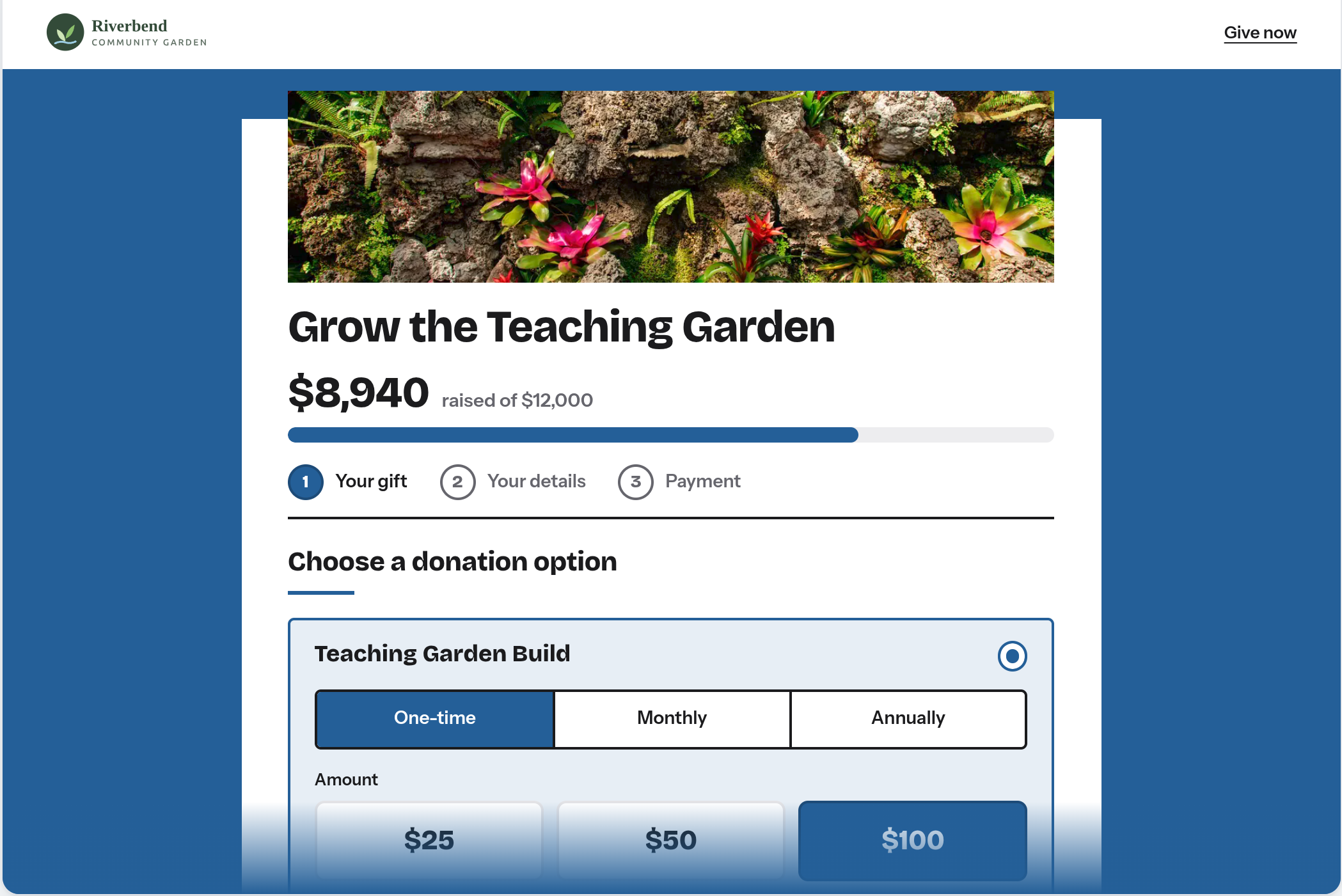
Fundraising, refreshed: what's new in MonkeyPod's giving pages
Your fundraising page got a glow-up just in time for the end-of-year giving season. Read on to learn about the three new...
October 9, 2026
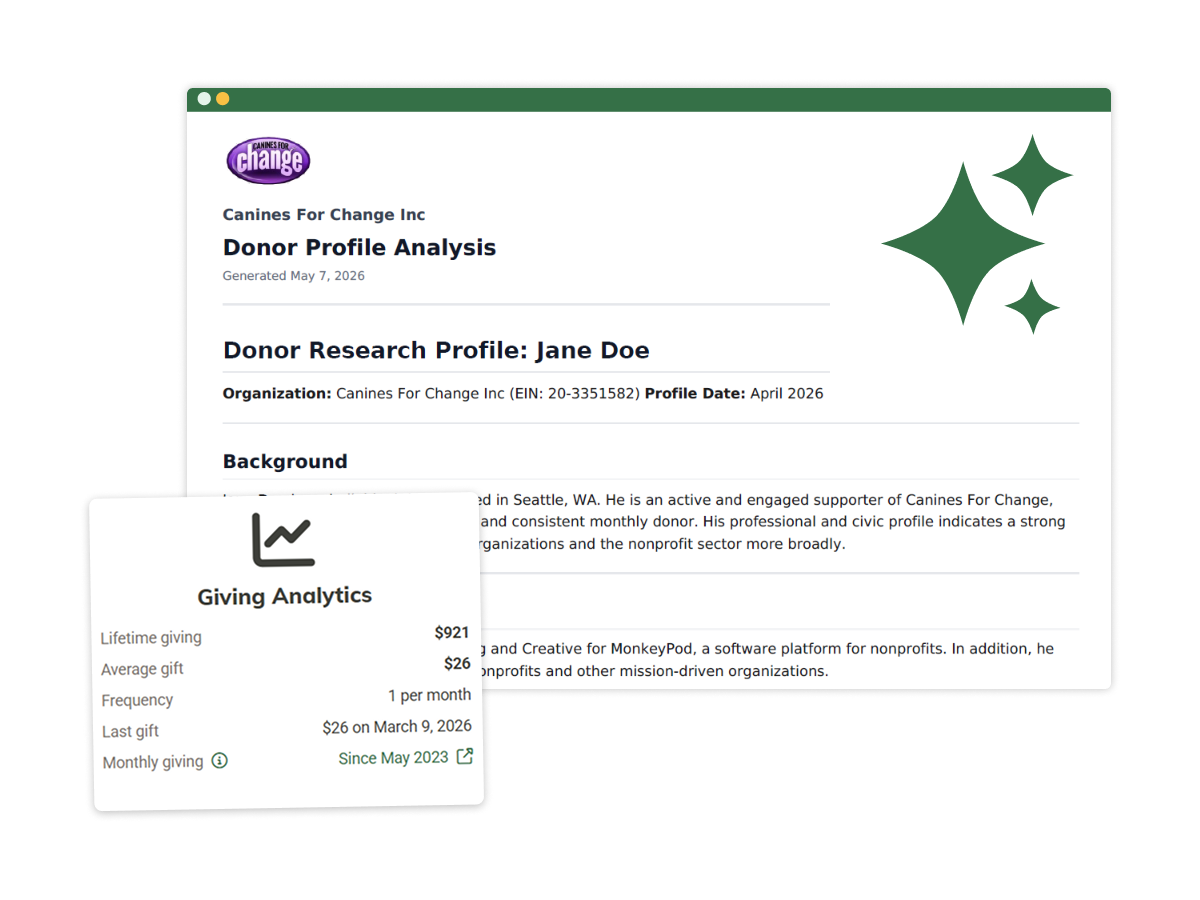
Introducing Donor Research Profiles: Know Before You Ask
You've got a major donor call on the calendar for next week. You know their name, you know what they've given before, an...
May 7, 2026
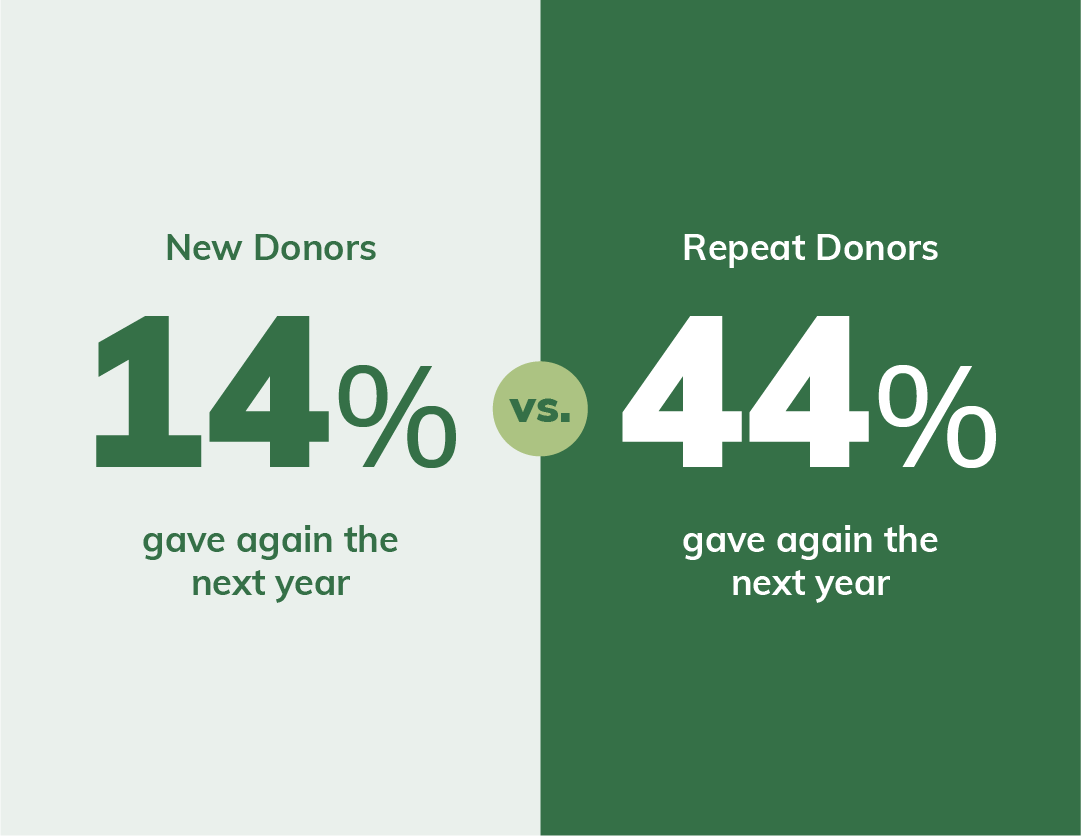
How to Turn First-Time Donors Into Repeat Donors (Without Begging)
You worked hard to get that first gift. Someone found your organization, connected with your mission, and decided to giv...
April 22, 2026