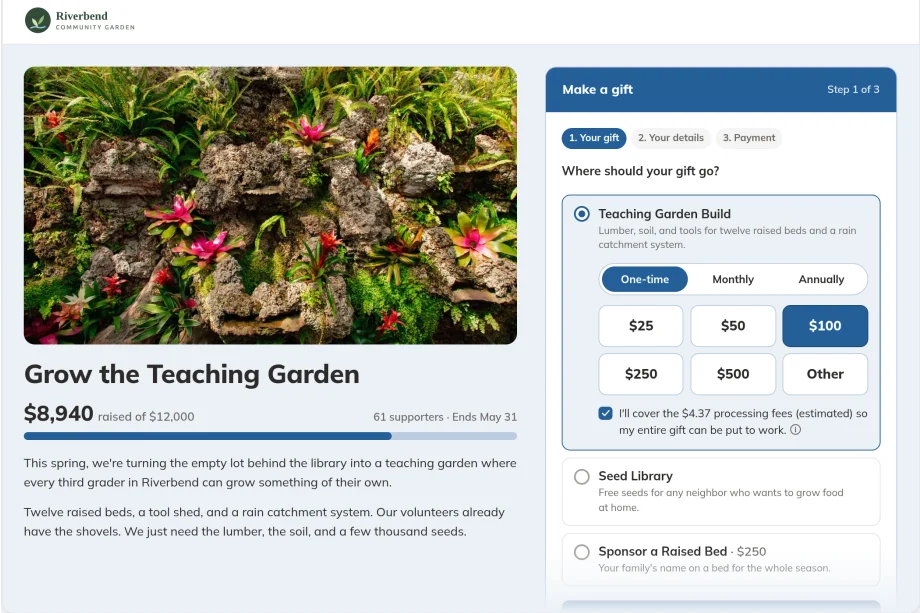
Quick answer: The best nonprofit fundraising software depends on what you need besides a donation page. Zeffy is free to the nonprofit, with no platform or processing fees and a donor CRM included, and Givebutter is free with optional donor tips. Funraise and GoFundMe Pro (formerly Classy) serve larger campaign programs, Donorbox is strong for recurring giving, and Bloomerang is a donor CRM built around retention. MonkeyPod is best for nonprofits that want fundraising, a donor database, and nonprofit accounting in one platform, so every gift lands in your CRM and your books automatically.
| Platform | Best for | Pricing model | CRM and accounting | Standout strength |
|---|---|---|---|---|
| MonkeyPod | Fundraising, CRM, and accounting in one platform | From $167/mo billed annually ($199/mo billed monthly), plus a 1% transaction fee per donation and Stripe processing; unlimited users and contacts | Donor CRM and fund accounting built in | Every gift posts to your CRM and books automatically |
| Zeffy | Nonprofits that want free fundraising tools and a donor CRM | Free to the nonprofit at any size; funded by optional donor contributions | Donor CRM included; no general ledger or fund accounting | Nonprofit keeps 100% of donations (per Zeffy) |
| Givebutter | Small to mid-sized nonprofits on a budget | 0% platform fee with optional tips on; flat 3% if tips are off; plus card processing (2.9% + 30¢) | Free donor CRM; QuickBooks Online integration on paid Plus plans | Modern interface, peer-to-peer and event tools |
| Raisely (Velora Fundraising) | Peer-to-peer and event fundraising, especially for Aplos users | Free with optional donor tips; flat 4% if tips are off; optional Raisely Pro $119/mo; card processing paid to Stripe or PayPal | No built-in accounting; syncs donations to Aplos (priced separately) | Peer-to-peer, ticketed events, and regular giving |
| Funraise | Growing nonprofits with a broad fundraising strategy | Free plan for organizations raising under $1M, with a 5% platform fee; premium plans by quote; card processing 2.9% + 60¢ | Donor management; no built-in accounting | Automation, peer-to-peer, and events |
| Donorbox | Simple recurring donations | Free Standard plan with a 2.95%–3.95% platform fee; Pro $150/mo with a 1.75%–2% fee | Donor management tools; no built-in accounting | Fast setup, recurring giving |
| Bloomerang | Donor retention | CRM from $125/mo billed annually; scales by number of records; card processing 3.95% + 30¢ on fundraising forms (3.2% + 30¢ on CRM forms) | Donor CRM; no built-in accounting | Retention analytics |
| GoFundMe Pro (formerly Classy) | Large and enterprise campaigns | Custom: annual subscription plus a per-donation transaction fee | Salesforce integration; no built-in accounting | Enterprise scale |
Choosing nonprofit fundraising software is partly about the donation page and mostly about what happens after the gift. This guide compares eight platforms on what they cost, what's included, and who each one fits. It also covers the add-ons (matching gifts and prospect research) that work alongside a fundraising platform rather than replacing it.
What fees should you expect from nonprofit fundraising software?
Most nonprofit fundraising platforms charge two kinds of fees: payment processing, which is a card-network cost typically around 2.9% plus 30¢ per gift, and a platform fee, which is the software's own cut. Processing fees are nearly universal; platform fees are where the platforms differ most.
Some platforms are free to use, which makes it simple for a nonprofit to start accepting donations. Examples include Zeffy, Givebutter, and Raisely. Many of these skip the platform fee if you enable tips, which adds a prompt to your fundraising pages asking donors to pay an additional fee that goes straight to the platform. You can often disable this, but if you do, the platform fees for these "free" tools tend to be higher: 3% for Givebutter or 4% for Raisely, for example.
Other platforms charge a subscription fee to use the platform, which unlocks additional functionality. There may also be a fee on each donation, but it's often lower. MonkeyPod plans start at $167/month billed annually for unlimited contacts, with a 1% platform fee plus Stripe processing. Bloomerang plans start at $165/month billed annually for CRM and fundraising with 1,000 contacts, and its processing rates, which include card processing, run 3.2%–3.95% + 30¢ per gift.
Pro tip: Compare total cost, not the sticker price. Add the platform fee, the processing fee, and what it costs to cover whatever the tool doesn't do, like a donor database or fund accounting. A free fundraising tool plus a separate CRM plus a separate accounting system isn't always cheaper than one platform.
1. MonkeyPod: best for fundraising, donor CRM, and accounting in one platform
MonkeyPod is the best fit on this list for nonprofits that want online fundraising, a donor database, and nonprofit accounting software in one system. When someone gives through a MonkeyPod fundraising page, the gift lands in your CRM, your books, and your receipts automatically, so nobody exports a file or retypes a gift.
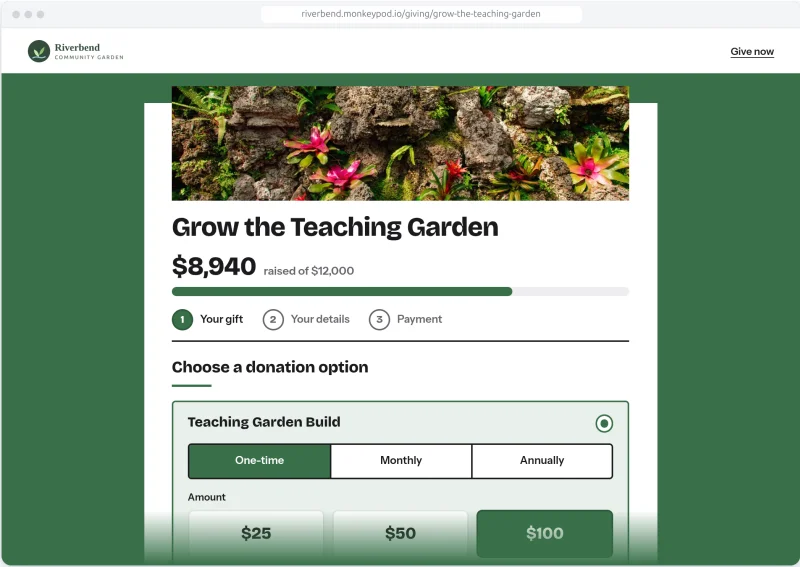 MonkeyPod gives you the flexibility to build pages and forms that match your organization. You can choose from three different designs and customize them with your colors, logos, photos, and more. You can create standalone landing pages or embed a page on your website, and donors can pay with credit or debit card, Apple Pay or Google Pay, or ACH using Stripe's secure payment processing.
You also control the form itself. Donors can support more than one donation option in a single gift, you decide which details are required, optional, or hidden, and custom questions save straight to the donor's record. Gifts can be one-time, monthly, or annual, and fully or partially tax-deductible. Donors can cover the processing fee, and they can update, pause, or stop their own recurring gift in the Community Portal.
Because MonkeyPod is an all-in-one, much of the manual work of fundraising is completed for you. Donors are automatically added to the CRM and they instantly receive an emailed receipt (including a PDF copy). The transaction is also automatically recorded in your books, allocated to the correct income account and restricted fund based on your configuration.
MonkeyPod starts at $167/month billed annually ($199/month billed monthly). Your subscription includes CRM, fundraising, accounting, and more. Fundraising fees are transparently presented to you and the donor: a 1% fee on each donation, plus processing fees from Stripe. There are no per-user or per-contact fees; users, contacts, and fundraising pages are unlimited. Every plan starts with a 14-day free trial, no credit card required.
Pros:
Fundraising, donor CRM, email, and fund accounting in one system
Every gift posts to your CRM and your books automatically
No per-user or per-contact fees, with unlimited users, contacts, and email subscribers
Onboarding with a dedicated implementation expert on every plan
Built-in Double the Donation integration (see the add-ons section below)
Cons:
No free plan (there's a 14-day free trial instead)
More than you need if all you want is a donation page
Features are built in rather than integrated, so adopting MonkeyPod can mean moving your books and donor data, not just adding a tool
2. Zeffy: best for nonprofits that want free fundraising tools and a donor CRM
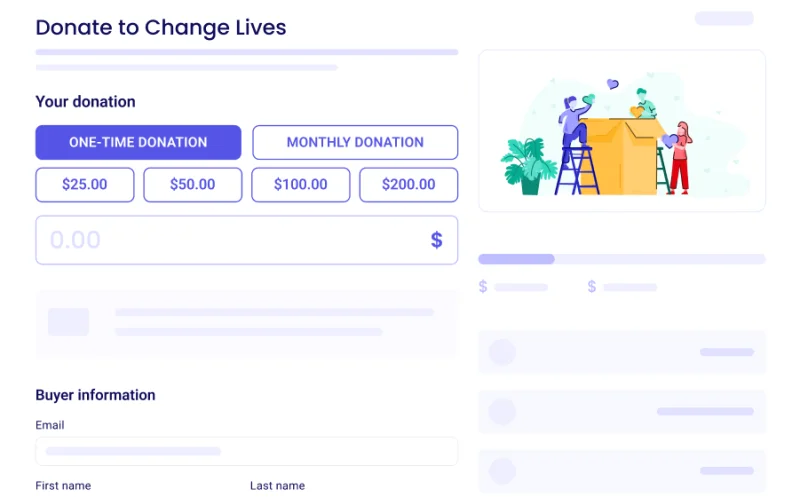 Zeffy is a free fundraising platform for nonprofits, with no platform fees and no processing fees. It is funded by optional contributions from donors, so nonprofits receive 100% of every donation. There is one plan for everyone: no tiers, no per-contact or per-user pricing.
The toolset covers donation forms, ticketing, raffles, auctions, memberships, peer-to-peer campaigns, an online store, and in-person Tap to Pay. Every activity writes into a built-in donor CRM, with email and newsletter tools. It connects natively to QuickBooks Online, to WordPress through a plugin, and to 1,000+ apps through Zapier, with a public API and webhooks.
Zeffy is a good fit for organizations with simple, donation-focused needs. Organizations with several revenue streams or restricted grants usually keep their books in a separate accounting system, since Zeffy doesn't include a general ledger or fund accounting. Donors are also asked for an optional contribution to Zeffy at checkout, which some organizations prefer to avoid.
Pros:
No platform or processing fees, at any size
Built-in donor CRM and email tools
Covers ticketing, raffles, auctions, memberships, and peer-to-peer fundraising
Native QuickBooks sync, WordPress plugin, and 1,000+ Zapier apps
Cons:
Limited customization options
No general ledger or fund accounting
3. Givebutter: best for small to mid-sized nonprofits that want a free, modern platform
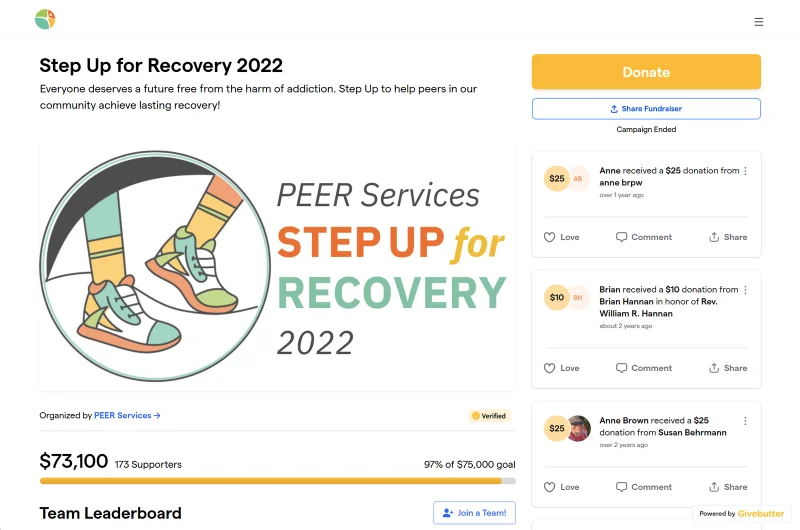 Givebutter is a free fundraising platform funded by optional donor tips, with donation forms, peer-to-peer fundraising, events, and auctions. It stands out for its modern interface and engagement tools, and its basic donor CRM is free, with unlimited contacts and users.
With tips turned on, Givebutter charges nonprofits a 0% platform fee. With tips turned off, it charges a flat 3% platform fee. Either way, standard processing fees apply: 2.9% + 30¢ for cards and 1.9% + 30¢ for ACH. Givebutter's paid Plus plans, priced by contact count, add workflows, texting, direct mail, and the QuickBooks Online integration, and Plus comes with a 30-day free trial.
Pros:
No platform fee when donor tips are on
Free donor CRM with unlimited contacts and users
Peer-to-peer, event, and auction tools
Custom branding options
Cons:
Some advanced features sit behind paid Plus plans or third-party integrations
The CRM is designed for donors, not volunteers or program participants
Some donors may not realize the tip goes to Givebutter rather than your organization
No built-in accounting
4. Raisely (Velora Fundraising): best for peer-to-peer and event fundraising, especially for Aplos users
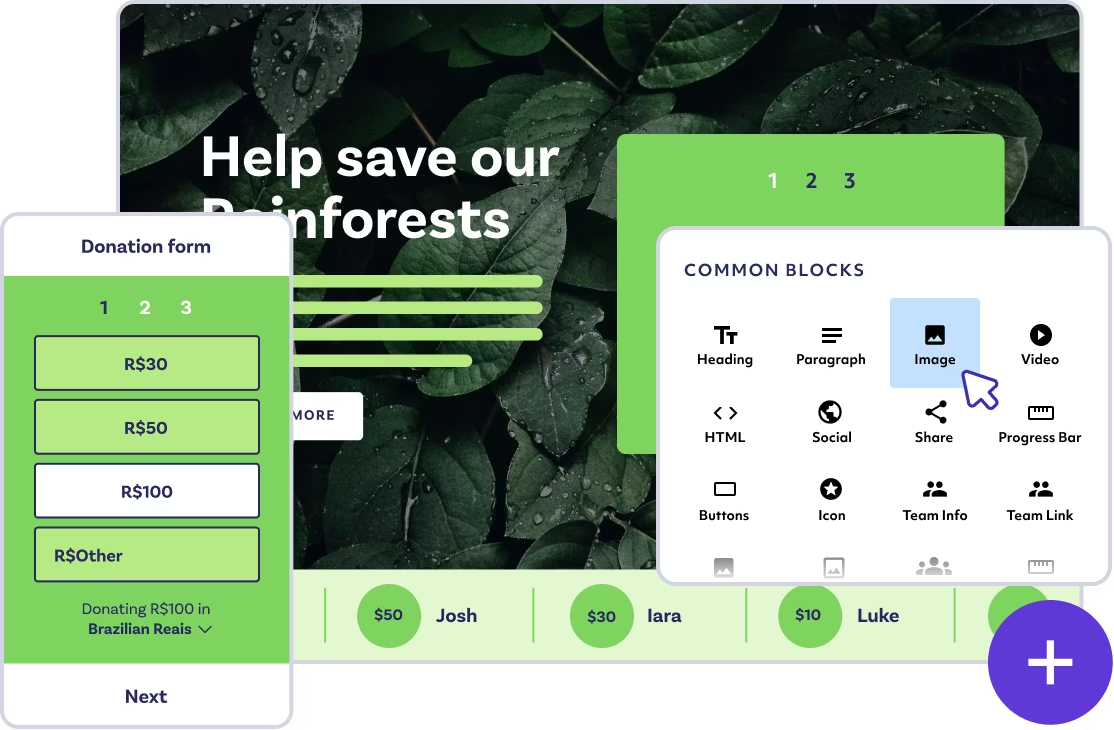 Raisely is a tip-supported fundraising platform built for peer-to-peer campaigns, ticketed events, and regular giving. Aplos, the nonprofit accounting software, acquired Raisely in 2023 and now markets it as Velora Fundraising, alongside Aplos accounting and the Keela CRM under the Velora name.
According to Raisely, fundraising on its platform is free, supported by optional donor tips. If you turn tips off, Raisely charges a flat 4% platform fee. Card processing is paid directly to Stripe or PayPal at rates that vary by country. The optional Raisely Pro add-on ($119/month, or $714/year) adds marketing automation, email journeys, custom tags and segments, single sign-on, and some integrations. Raisely also lists a 2% fee on payments collected from migrated regular givers and on Facebook and Instagram fundraisers.
Raisely isn't an accounting system, so you'll need to record donations manually. You do have the option to sync them with Aplos through an integration. Aplos has historically offered its own giving forms and a donor CRM, but they've recently started pushing Aplos users to switch to Raisely. Velora markets Raisely, Keela, and Aplos as one integrated suite, but each is a separate product with its own login. It's three integrated products rather than a true all-in-one.
Pros:
Free to start, supported by optional donor tips
Peer-to-peer, ticketed event, and regular giving tools
Syncs online donations into Aplos
Raisely Pro adds marketing automation and email journeys
Cons:
Flat 4% platform fee when tips are turned off
Some donors may not realize the tip goes to Raisely rather than your organization
Marketing automation and email journeys require the paid Pro add-on
No built-in fund accounting (that's the separate Aplos product)
5. Funraise: best for growing nonprofits with a broad fundraising strategy
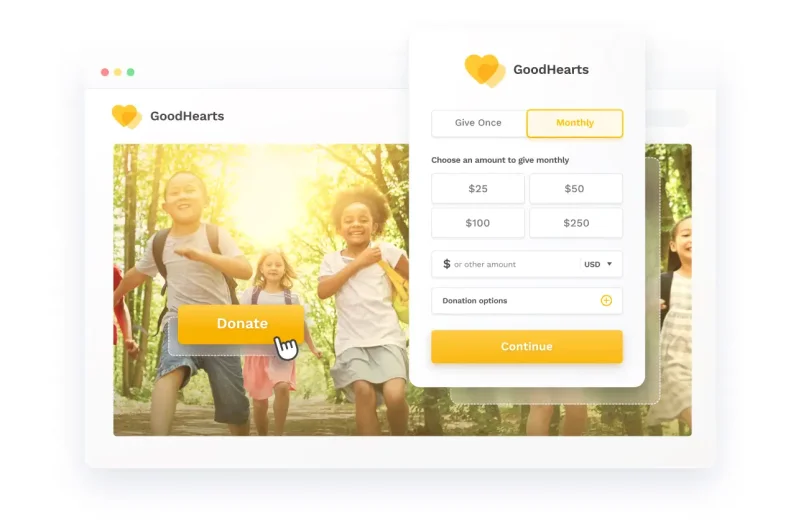 Funraise is a fundraising platform for nonprofits that want donation pages, peer-to-peer campaigns, event fundraising, and automation in one place. It offers a free plan for organizations raising under $1 million, but pricing for its premium plans requires a conversation with its sales team. Card processing is 2.9% + 60¢, and donors can opt in to cover fees.
On the free plan, Funraise also charges a 5% platform fee on each donation, on top of processing. Premium plans add tools like peer-to-peer, wealth screening, SMS and text-to-give, and auctions.
Pros:
Advanced automation and AI-powered fundraising tools
Peer-to-peer and event fundraising
Customizable donation pages, forms, and websites
Funraise University for learning to fundraise more effectively
Cons:
Pricing isn't transparent; premium features require a conversation with sales
The learning curve can be steep for new fundraisers
The free plan's 5% platform fee is higher than most platforms on this list
6. Donorbox: best for simple, recurring donations
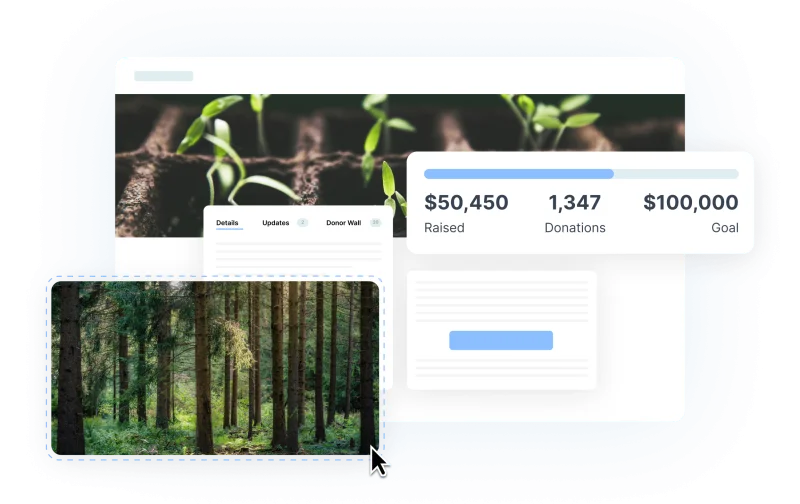
Donorbox is known for fast setup and recurring donations, with embeddable forms that work on an existing website. Its Standard plan is free but carries a 2.95%–3.95% platform fee on top of processing fees. The Pro plan, $150/month (with a discount for yearly billing), lowers that fee to 1.75%–2%, and Premium is custom-priced.
Pros:
Quick, simple setup
Strong recurring donation features
A free plan to start
WordPress and Salesforce integrations
Cons:
Limited event and peer-to-peer tools
Fewer engagement features than competitors
Platform fees are higher on the free plan
7. Bloomerang: best for donor retention and relationship management
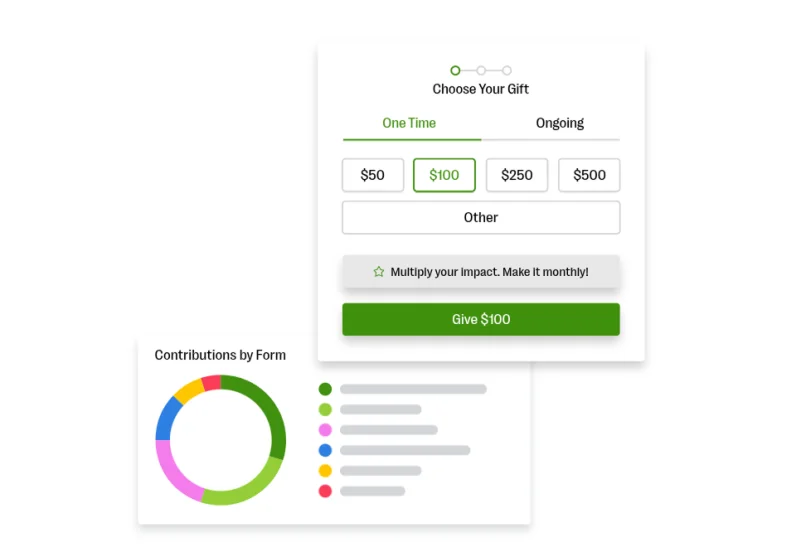 Bloomerang is donor management software built around retention, with insights and communication tools that help nonprofits build lasting relationships with supporters. It focuses on retention rather than broad fundraising features, and its fundraising and volunteer tools are add-ons to the CRM.
Bloomerang's CRM starts at $125/month billed annually, and pricing scales with the number of records you manage. Dedicated fundraising features are an add-on starting at $40/month billed annually. Bloomerang processes payments itself, and its processing rates are 3.95% + 30¢ per card gift on its fundraising forms and 3.2% + 30¢ on CRM forms, with no setup or monthly processing fees. It integrates with a wide range of third-party platforms.
Pros:
Strong retention and engagement tools
User-friendly interface
Unlimited users
Cons:
Fundraising tools are an add-on
Not as feature-rich for event fundraising
Pricing can climb for larger donor databases
No built-in accounting; requires a third-party integration
8. GoFundMe Pro (formerly Classy): best for large and enterprise campaigns
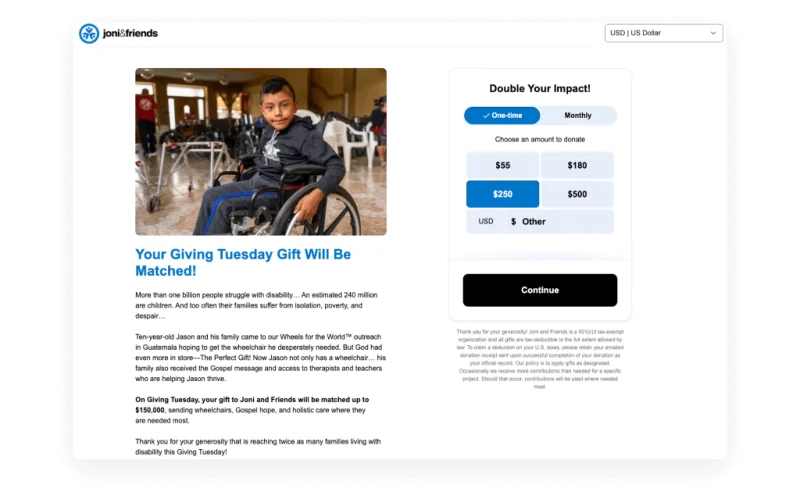 GoFundMe Pro, the platform formerly known as Classy, is an enterprise fundraising platform for large nonprofits running multiple campaigns. It specializes in peer-to-peer fundraising, with crowdfunding, event fundraising, and extensive analytics. Pricing is custom: an annual upfront subscription plus a per-donation transaction fee, with features like Live Events and the Salesforce integration sold as paid add-ons.
Pros:
Enterprise-level scalability
Customizable campaign pages with high-end design options
Advanced reporting and analytics
Integrations with major CRMs like Salesforce
Cons:
Custom, contract-based pricing with no public price list
Complex setup and onboarding
Fundraising add-ons: tools that work alongside your platform
Some tools that come up in fundraising software searches aren't fundraising platforms at all. Matching-gift, donor-advised fund, and prospect-research tools sit alongside your platform and help you raise more from the supporters you already have. Think of them as extra gear for a platform you've already picked, not a replacement for one.
Double the Donation: matching gifts and workplace giving
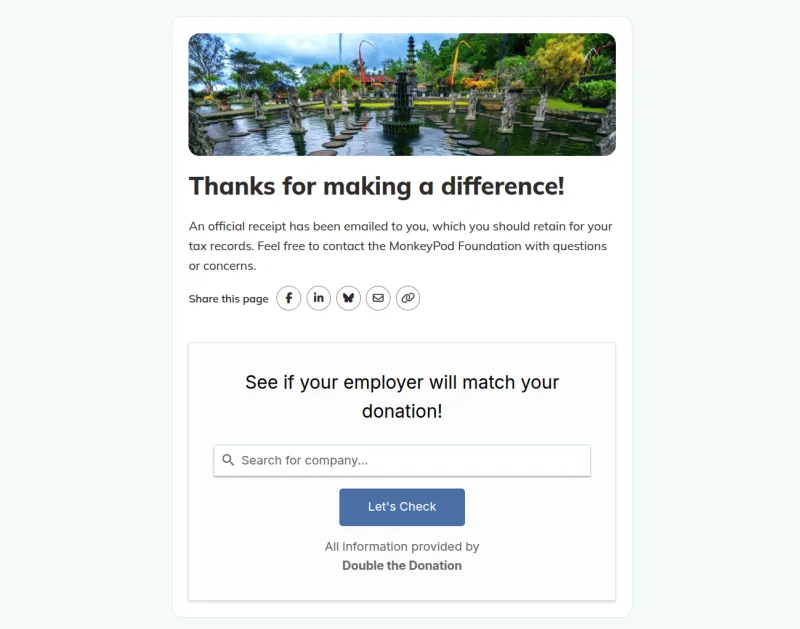 Double the Donation is the industry-leading corporate fundraising software solution designed to help organizations capture the estimated $4 to $7 billion in matching gifts and other workplace giving funds that go unclaimed each year. The platform provides a complete suite of tools, including modules for matching gifts, corporate volunteering, payroll giving, and more, to cover every aspect of corporate engagement.
Organizations can easily embed employer search tools directly onto their donation forms, volunteer registration pages, and website hubs. As supporters engage, Double the Donation screens employment information against available workplace giving programs to identify the best opportunities and trigger personalized next steps.
MonkeyPod includes a built-in Double the Donation integration in every plan, and you still need your own Double the Donation account. Every online gift (through a fundraising page, a donation embed, or a recurring gift's automatic rebill) is registered with Double the Donation automatically, and an optional setting registers manually entered and imported gifts too. Here's how MonkeyPod and Double the Donation work together.
DonorSearch: prospect research and wealth screening
DonorSearch is a data and analytics platform for prospect research and wealth and philanthropic screening, which estimates donors' giving capacity and their connection to your mission. Its products include DonorSearch CORE, Enhanced CORE, and DonorSearch Ai, and it connects to existing CRMs. Pricing isn't published; you request a demo. Prospect research tends to pay off for organizations with a major gifts program and a donor database large enough to screen.
While MonkeyPod doesn't integrate with DonorSearch, all plans include AI-powered donor research profiles. These profiles provide giving capacity indicators and recommended outreach steps based on the individual donor right in your CRM.
What does switching look like?
Switching to MonkeyPod from another fundraising tool usually comes down to three things: bringing over your donor records, pointing your donation pages (or your website embed) at MonkeyPod, and connecting Stripe for payments. It's a project, but it's rarely as scary as it sounds, and you don't do it alone.
MonkeyPod includes onboarding support with every plan, starting with orientation with a dedicated implementation expert. Full-service data migration is included with Enterprise and available as an add-on for Essentials and Pro, and Pro adds expert data import guidance. Most donor data comes over with a simple CSV import, and MonkeyPod flags likely duplicates before an import runs, so your donor database starts clean. If you use an embedded donation form on your website today, swapping in a MonkeyPod fundraising page means copying the code from the Embed tab and pasting it into your site.
The part worth planning carefully is recurring donors. Talk through the timing with your implementation expert before you switch, so no one gets skipped. Free weekly drop-in office hours and MonkeyPod Academy are there for everyone else on your team.
Which fundraising software is right for your organization?
The right nonprofit fundraising software depends on your size, your goals, and what happens after the gift. If you want to get started at no cost, Zeffy, Givebutter, and Raisely are free to start, and Donorbox is a good fit for simple recurring giving. If you need advanced campaigns at scale, Funraise and GoFundMe Pro are built for that. And if you'd rather not run a patchwork of tools (a donation page here, a CRM there, a spreadsheet holding it all together), MonkeyPod puts fundraising, donor management, and nonprofit fund accounting in one place, so more of your time goes to the people your mission serves.
Want to see how MonkeyPod's fundraising features fit your organization? Schedule a demo with our team.
Shopping for a CRM rather than a fundraising tool? Our buyer's guide to the best nonprofit CRM software compares Bloomerang, Neon CRM, Little Green Light, Givebutter, and MonkeyPod on pricing and features.
Pricing and features checked October 14, 2026. Vendor pricing changes often. Confirm current pricing on each vendor's site before you decide.